


Table of Contents
Smart home energy monitoring is changing how homeowners control electricity bills and reduce waste. With a whole-house energy monitor and the right setup, you can see exactly where your energy dollars go, pinpoint “always-on” vampires, and make changes that really show up on your utility bill.
Key Takeaways
- Smart home energy monitoring typically cuts electricity bills by 5–15%, with higher savings if your home has significant hidden waste.
- Most users need a professional electrician for safe installation, though DIY is possible for some setups; ongoing costs are usually low or zero for basic data.
- Circuit-level monitoring delivers more detailed insights than whole-home-only systems but brings extra complexity and potential installation headaches.
How Smart Home Energy Monitoring Works
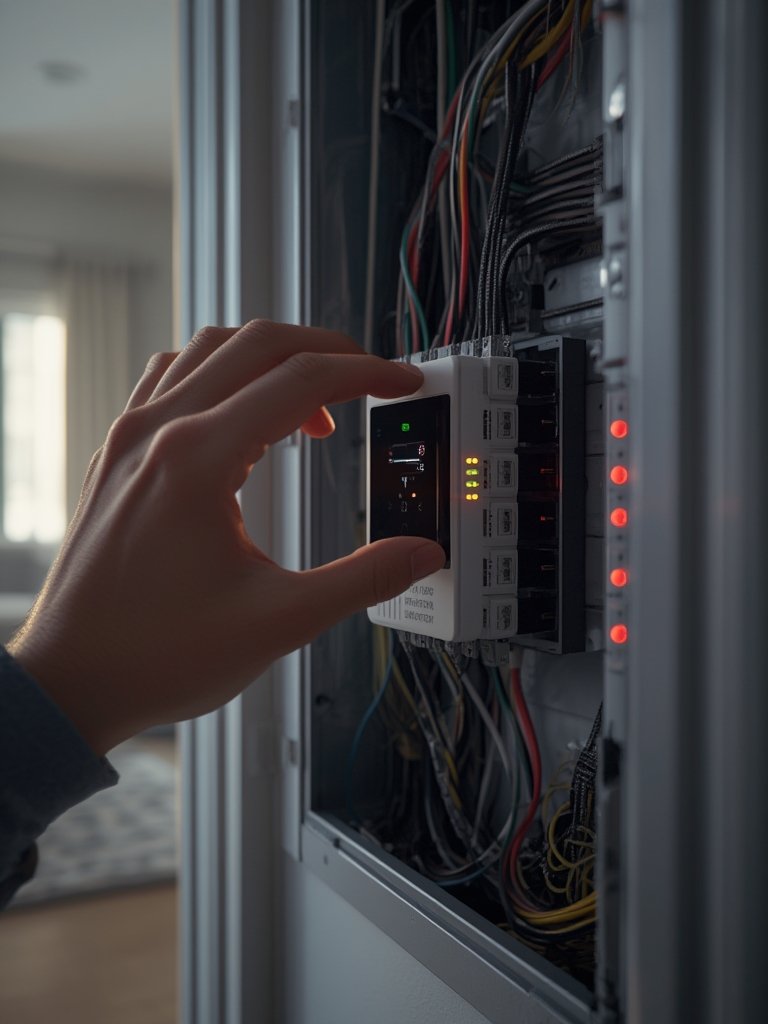
Smart home energy monitoring uses a device—typically installed inside your electrical panel—to track your home’s real-time electricity use. These monitors work by attaching current transformer (CT clamps) around your main power cables or individual circuits. The device sends live and historical data to an app, showing you exactly when and where energy is being used.
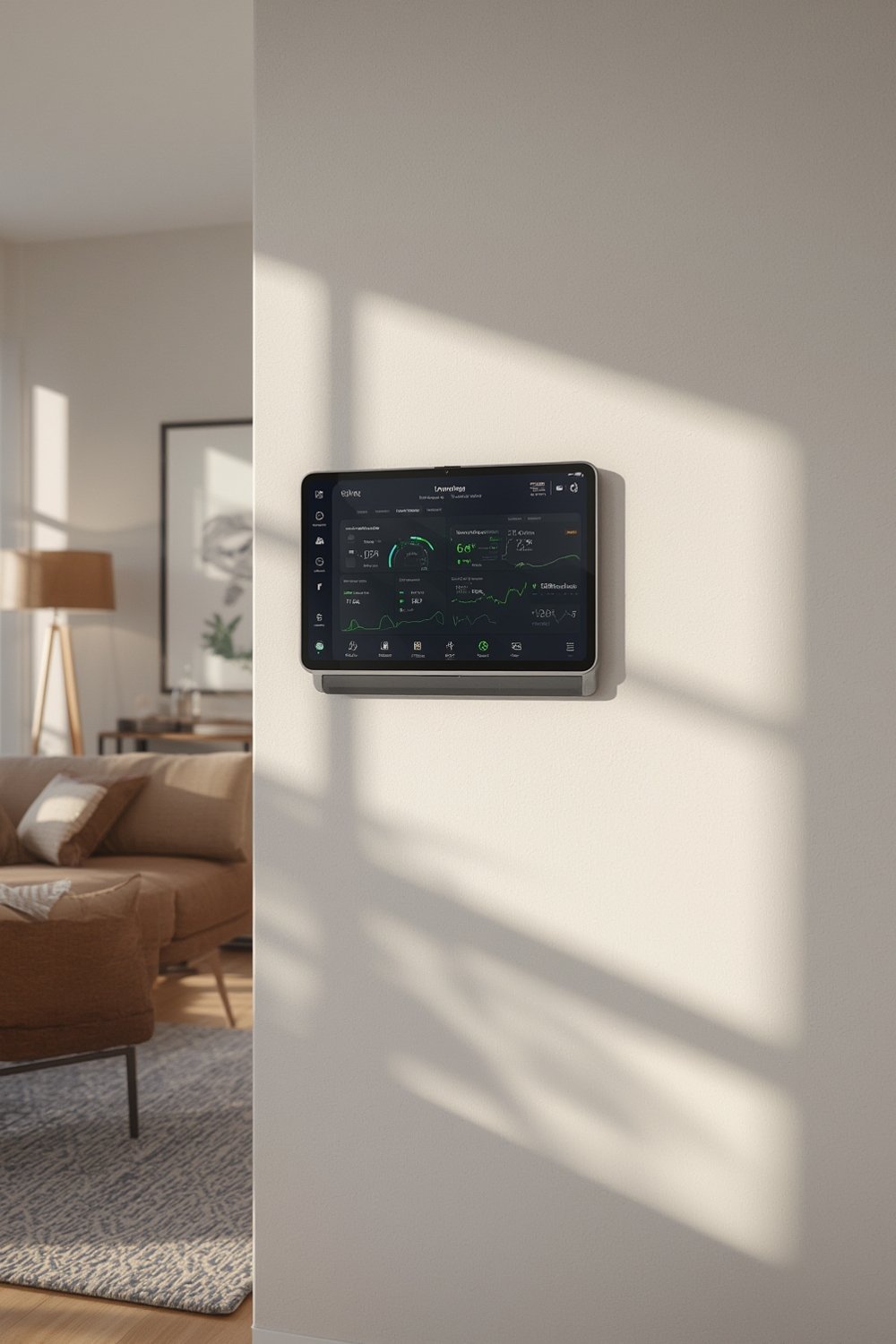
The real power of smart home energy monitoring lies in making that invisible usage visible. By breaking down your total consumption—or even showing which appliances are running—these systems empower you to spot wasteful “always-on” loads, schedule big appliances for off-peak times, or invest in energy-efficient upgrades that pay for themselves. Sources like Palmetto and EnergySage report average savings of 5–15% for households that use real-time feedback to change their habits.
The approach is simple: measure, understand, and take action. With this method, many homeowners are seeing monthly bill reductions of $15–$30 or more, especially when tackling the culprits often missed—like garage fridges, inefficient water heaters, or electronics that are always drawing power.
If you’re interested in finding space for a monitor in a tight area or want to maximize small-home efficiency, check out our guide on space saving ideas for small homes for more tips.
Step-by-Step Guide: Installing and Using a Home Energy Monitor
- Research and choose your device.
Decide between a whole-home monitor (easier, less detailed) or a circuit-level system (more data, more complexity). ConvertGreen’s 2024 roundup highlights Sense and Emporia Vue as popular choices for most homes; Curb is favored when you want per-circuit granularity. - Check panel compatibility and electrical safety.
Inspect your main panel for space and layout. If the panel is crowded, has outdated components, or uses a fuse box, you may need an upgrade or to hire a pro. DIY is possible if you have clear space and are comfortable, but almost all major guides advise a licensed electrician for safety—especially since there is a real shock hazard when working in an energized panel. - Buy your monitor (and CTs or add-ons for specific needs).
Expect to pay $80–$150 for entry-level hardware (Emporia, Eyedro), $200–$350 for full-featured kits (Sense, Emporia with circuit add-ons), and up to $600+ for complex, circuit-dense setups. Professional installation usually adds $200–$400. Subscription fees are typically optional, except with some systems like Curb (which now charges $4.99/month). - Install the hardware.
If DIY, always shut off the main breaker first. Attach the CT clamps around your main service wires and connect to the monitor per instructions. For solar homes, follow the manufacturer’s solar diagrams exactly or you risk capturing “net” power incorrectly. Most installations connect to your Wi-Fi; plan for a strong signal to the panel (wi-fi dead zones in garages and basements are a common hiccup). - Connect and set up the app.
Download the brand’s app and follow pairing instructions. For circuit-level systems, label each CT and assign it in the app for clear readings. Test live data and watch for errors or missing values. - Start using your data: Identify waste and optimize.
In your dashboard, look for high always-on loads and unexpected usage patterns. Compare daily or weekly trends, set alerts for unusual spikes, and use the data to target the worst offenders—like garage fridges, old water heaters, or forgotten electronics.
Want more smart home improvement upgrades? See our list of simple home improvement projects that work for any skill level.
- Optimize behavior long-term.
Use the monitor’s app to set device alerts. Try shifting energy-heavy appliances (like dryers and EV chargers) to off-peak hours if you have time-of-use rates. Review usage each month to spot “energy leaks” as they develop. - Combine with other smart home solutions.
You can supplement your main monitor with a few strategic smart plugs or circuit-level add-ons for devices not detected by the base hardware.
Looking for ways to improve small spaces and reduce energy at the same time? Check out our guide to compact furniture for small rooms.
Advanced Analysis & Common Pitfalls
Smart home energy monitoring offers big rewards—but only if you navigate installation and data pitfalls:
- Panel Safety is Never Optional: Opening your panel exposes live wires. Even if the device says DIY, most guides push for professional installation. Electrocution risk is real.
- Panel Compatibility Problems: Older fuse boxes, split-bus panels, and crowded enclosures can prevent installation. Sometimes, you’ll need a panel upgrade. If you can’t fit the CT clamps, your options are limited—choose smaller CTs (if compatible), or consider a sub-panel install.
- Solar & Complex Homes: Multisource setups (solar, batteries, generators) make CT placement trickier. Misplacing sensors can double count or undercount loads. Always use manufacturer-provided diagrams for solar.
- Connectivity Hiccups: Weak Wi-Fi in your panel location causes data dropouts. If you have a garage or basement panel, invest in a wi-fi dead zones.
- Real Insight Requires Effort: Simply installing the monitor won’t save money. You must use the app’s breakdowns and alerts, investigate high “vampire” loads, and change your appliance habits.
- Subscription Surprises: Some brands (like Curb) have shifted to required monthly fees for access to vital data. Always check the current terms before purchase.
Circuit-level vs. Whole-home Monitoring: A Quick Comparison
| Aspect | Whole-home-only monitor | Circuit-level monitor |
|---|---|---|
| Total kWh accuracy | Very high (≈99% with good hardware) [source] | Very high |
| Appliance/circuit accuracy | Dependent on AI; variable [source] | High – direct per-circuit read [source] |
| Install complexity | Low–moderate [source] | Moderate–high [source] |
| Insight depth | Good household-level patterns [source] | Excellent load-level detail [source] |
| Best for | General awareness & behavior change | Targeted optimization, complex homes, pros |
If you need more details on managing home upgrades and troubleshooting, take a look at our guide to home improvement hacks.
Common Under-addressed Issues:
- Most online guides skip hard, before-and-after numbers. Savings can vary significantly by home type, occupant behavior, and local power rates.
- Data privacy is seldom discussed. Many systems use cloud storage—ask who owns your usage data, and whether you can export if you switch vendors or they raise fees.
- For older homes, code restrictions and challenging panel layouts can make installation much harder or impossible without upgrades.

Conclusion: Is Smart Home Energy Monitoring Worth It?
Smart home energy monitoring gives control back to homeowners who want to cut waste, reduce bills, and make smarter improvement decisions. The numbers speak for themselves—typical 5–15% bill reductions, with even bigger gains in wasteful homes. While installation and tech hurdles are real (especially for those with older or complex panels), the roadblocks are manageable if you follow best practices and consult a pro when needed.
If you’re serious about improving your home’s efficiency, and want to avoid throwing money at energy you do not use, smart home energy monitoring is an investment with lasting impact. Ready to get started? Compare top-rated monitors and plan your installation today.
FAQ: Smart Home Energy Monitoring
How much money can I realistically save with smart home energy monitoring?
Most households see electricity bill reductions of 5–15% (often $15–$30 per month), especially when using real-time data to find and fix waste. Homes with high “always-on” loads or poor habits can save even more. Actual results depend on how actively you use the app to make changes.
Is smart home energy monitoring safe for DIY installation?
While some monitors are marketed as DIY, working inside your main electrical panel is dangerous and not recommended unless you have advanced skills. At minimum, consult a licensed electrician. Many homeowners find professional installation is faster, safer, and more reliable.
What are the main brands people trust for energy monitors?
Top recommended brands are Sense (great mobile app, AI-based detection), Emporia Vue (affordable and flexible), and Eyedro (good entry-level option). For advanced circuit-level detail, Curb is popular, but now requires a monthly subscription.
Will smart home energy monitoring work with solar, old panels, or smart meters?
Yes, but there are caveats. Solar setups need precise CT placement and sometimes extra modules. Older or crowded panels may require modifications, smaller CTs, or a sub-panel solution. Most monitors measure usage at your panel, not through utility-provided smart meters—so compatibility depends on your wiring and panel space.
Are there recurring fees to use my monitor and mobile app?
Most main brands (Sense, Emporia, Eyedro) do not require ongoing fees for basic data and usage tracking. But check every vendor’s latest policies before buying—Curb, for example, now charges a $4.99 monthly subscription for data access.

[…] Invest in a Smart Plug and Energy MonitorPlug your highest-use tools into a smart plug with an energy monitor feature. This tracks real-time energy draw and can help you verify savings or catch “phantom” standby usage, as suggested in this smart home energy monitoring guide. […]