


Table of Contents
Smart pet feeder adoption is surging in 2024 as busy lifestyles, pet humanization, and new tech reshape how we care for cats and dogs. If you want automatic, reliable feeding and better oversight while you’re away, smart pet feeders offer real-world benefits—plus a few realistic challenges most buyers never see coming. Read on for actionable guidance, clear buyer warnings, and steps to make the best choice for your home and pet.
Key Takeaways
- Smart pet feeders are growing fast, especially models with Wi-Fi controls and 3L-5L capacities, but realistic market pricing data is still missing in 2024.
- The top buyer complaints focus on setup woes, battery and connectivity problems, and reliability risks during power or internet outages.
- Success depends on picking the right specs—2.4GHz Wi-Fi, long battery life, robust scheduling and security—and preparing for real-world tech pitfalls.
Understanding Smart Pet Feeders: What and Why
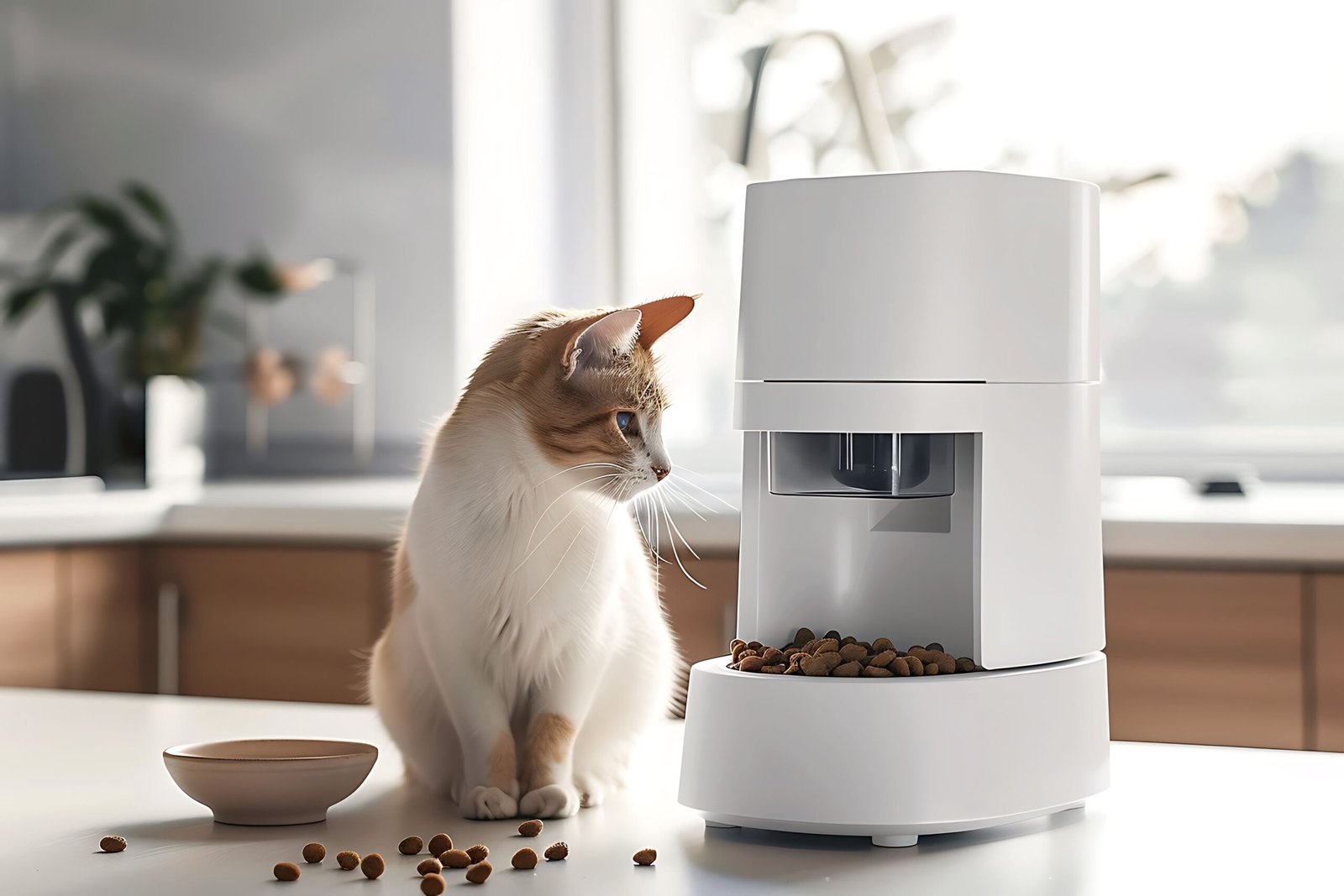
Smart pet feeders are automated devices that dispense precise portions of pet food at scheduled times, often controlled via Wi-Fi, Bluetooth, or dedicated mobile apps. The core aim is simple: take the stress out of feeding routines, provide consistent nutrition, and let owners check in remotely—especially when work, travel, or busy family life interrupts daily plans. The major surge in smart pet feeder adoption is driven by two trends: the rise in pet humanization and a new generation of tech-oriented (often millennial or Gen Z) pet owners. These feeders do more than automate meals—they help owners track feeding, monitor food intake, and even interact via cameras or voice.
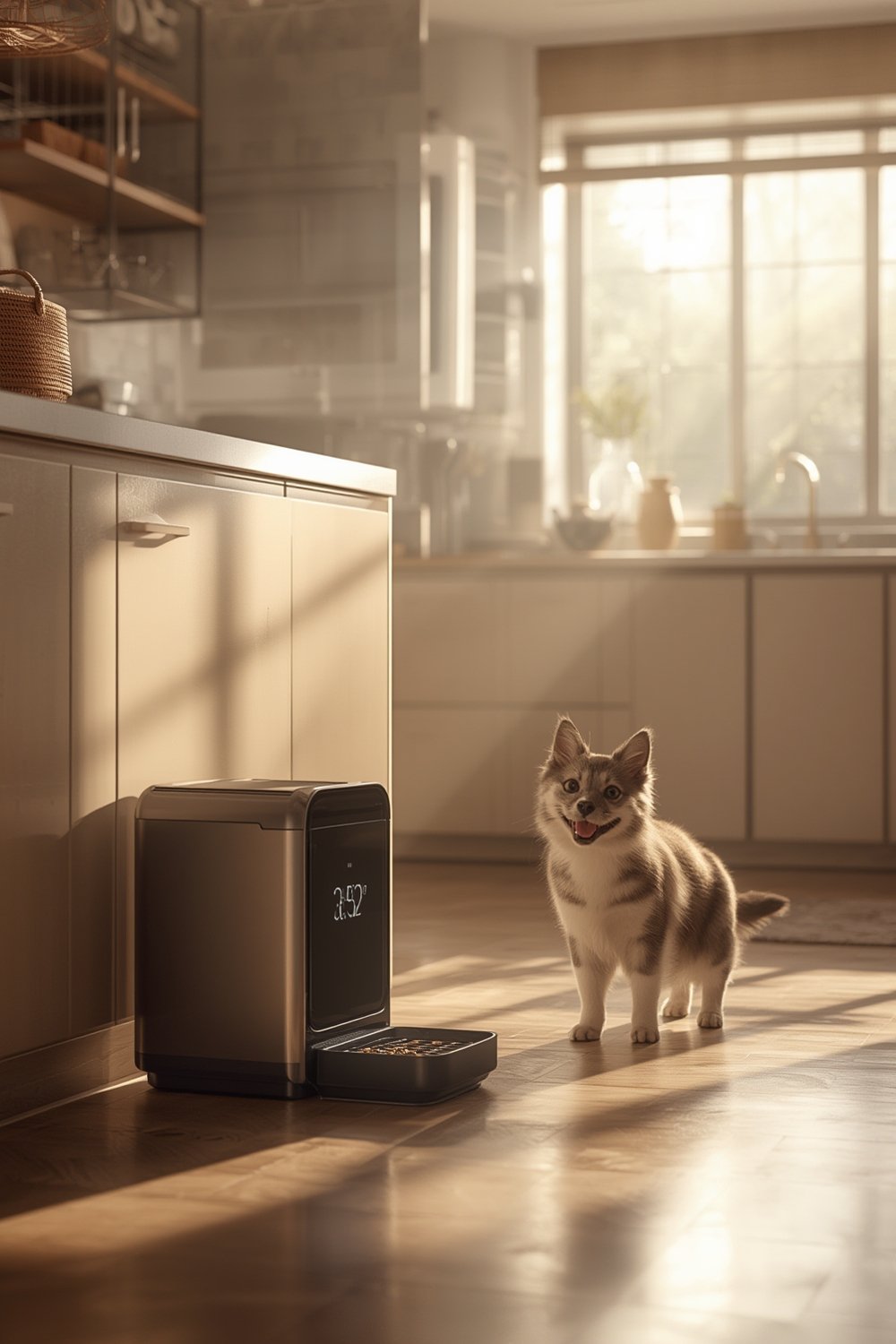
Recent U.S. market reports estimate the smart pet feeder sector at $601.38 million in 2024, climbing to nearly $1 billion by 2030. Globally, the market hit $1.2 billion in 2024, with automatic and Wi-Fi/app-controlled devices dominating thanks to features such as remote scheduling and health monitoring. This growth highlights a major shift from simple, manual bowls to truly connected pet care.
In small homes or apartments, where routine can be easily disrupted, a smart pet feeder can make daily life easier and more organized. For more tips on pet comfort and compact living, see Pet Essentials for Small Homes.
How to Choose and Set Up a Smart Pet Feeder (Step-by-Step Guide)
- Identify your pet’s specific needs. Decide if you need basic feeding, portion control, camera monitoring, or voice integration. Think about how many meals, precise timing, and food type (dry, wet, or both) your pet needs most.
- Check Wi-Fi compatibility. Most smart pet feeders only connect to 2.4GHz Wi-Fi bands. Many modern routers use dual bands (2.4GHz/5GHz), so check your router’s settings and network support before buying. A common pitfall: Wi-Fi/app-controlled models won’t function over 5GHz connections—know this before unboxing.
- Prioritize key features and specs.
- Look for adjustable portion size and flexible scheduling.
- Choose a capacity of 3L-5L capacities for multiple feedings between refills.
Industry data points to this as the dominant and fastest-growing size range. - Confirm battery life exceeds the daily runtime you need. Avoid models with short standby or runtime; low battery complaints are widespread.
- Security features matter—pet identification, food sensors, and cloud/mobile notification integrations help keep meal routines safe and transparent.
- Assess integration with your home tech. Want Alexa voice controls or smart home syncing? Not all feeders support these, so check the specs.
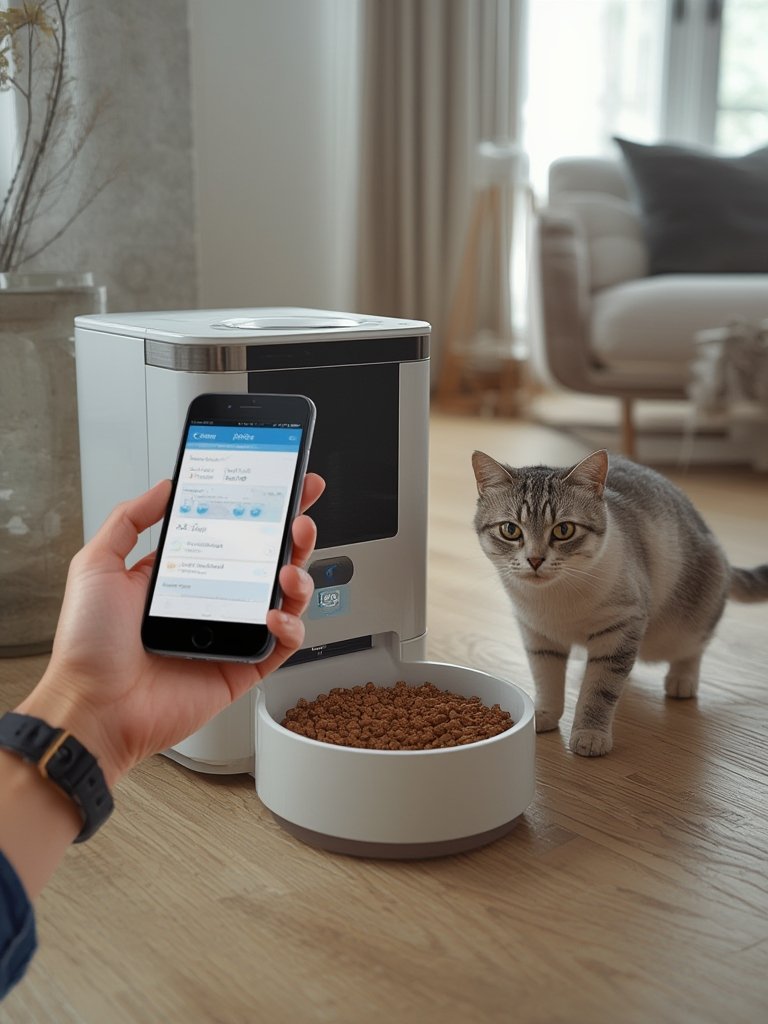
- Follow setup instructions carefully. Download the official app, connect to Wi-Fi, and test feeding cycles. Make sure notifications and camera streams (if available) are active.
- Test feeding reliability for a week. Before relying fully on any smart pet feeder, monitor several cycles to catch any programming errors, battery warnings, or app connectivity issues.
- Have a backup feeding plan. If the power or Wi-Fi goes out, make sure you have a manual timer, backup power, or an old-fashioned bowl for emergency use.
For those with limited space looking to add more comfort for pets, check out Creative Cat Nook Ideas for additional organization ideas around feeding stations.
Advanced Analysis & Common Pitfalls: Risks Every Buyer Should Know
While smart pet feeders are evolving fast, several important problems repeatedly show up in real user feedback and market analysis. Ignore these at your (or your pet’s) peril.
| Common Pitfall | Real-World Impact | How to Address |
|---|---|---|
| Low battery runtime | Frequent device shutdowns, missed meals | Choose feeders with extended battery life and always keep spares charged |
| Wi-Fi/app setup complexity | Connection failures, confusing app pairings—especially for older or non-tech-savvy users | Buy from brands with strong setup documentation and support phone lines; verify 2.4GHz compatibility |
| Power/internet outages | Feeder won’t dispense on schedule, risking missed or delayed meals | Opt for models with backup battery functionality or a manual feed override button |
| 2.4GHz-only limitations | Modern routers often default to 5GHz, creating silent failures | Help guides from feeder brands may be limited—research router settings before purchase |
| Unclear pricing and subscription costs | Unexpected costs for apps, refills, or replacement trays down the road | Request full cost breakdowns from manufacturers if not in the box or online |
| Reliance on app/cloud integration | If the brand’s servers go down, feeder functionality may suffer | Look for feeders with local scheduling memory and offline fallback modes |
| Pet safety/feeding reliability | Missed or duplicate meals during tech failures could be harmful for some pets | Test every feature before leaving pets alone; some owners still prefer a human check-in backup |
While standout features like Wi-Fi control, portion size precision, and camera integration are common, side-by-side pricing and subscription info remains lacking. According to industry analyses, no universal subscription is required for most major brands (Petnet, etc.), but fragmented support and replacement part availability should be checked directly with sellers.
Owners transitioning from manual to automatic feeding face the learning curve of setup, concerns about reliability in power or connectivity outages, and sometimes resistance from pets who dislike mechanical sounds or sudden schedule changes. Solutions include selecting a feeder with both app and manual control, ensuring compatibility with your home network, and securing backup plans for outages.
For small home and apartment dwellers especially, planning the feeder’s location is crucial to maximize efficiency and minimize tripping hazards. Tips for optimizing home space with pets can be found in Space Saving Ideas for Small Homes.
Another overlooked factor is the total cost of ownership. While smart pet feeder market reports in 2024 summarise sector valuation, actual unit pricing, installation, maintenance, and app costs remain a blank spot. To avoid surprises, request a full breakdown—most competitors fail to answer this in top-ranking guides.

Finally, compare feeder functionality with other smart home devices you already own, so you don’t end up with redundant apps or confusing network setups. Insights into integrating tech can also be found at Smart Home Energy Monitoring.
Conclusion
Smart pet feeders are a fast-growing solution for modern pet care, but practical ownership takes more than just downloading an app. From Wi-Fi and battery headaches to cost uncertainties and safety risks, the best results come from informed planning, careful setup, and ongoing vigilance. By focusing on the specs that matter, preparing for failure scenarios, and reading beyond the marketing hype, you can enjoy the peace of mind that a smart pet feeder truly delivers. Ready to upgrade your pet’s feeding routine? Compare, prepare, and make the smartest choice for your furry friend today.
Frequently Asked Questions
How do I know if a smart pet feeder will work with my Wi-Fi?
Most smart pet feeders require a 2.4GHz Wi-Fi network. Check your home router settings—many modern routers use dual bands (2.4GHz/5GHz), but feeders often only connect on 2.4GHz. Set up a 2.4GHz guest network if you have issues.
What happens to my pet’s meals if there’s a power outage?
If your feeder relies solely on electricity, feeding may stop during an outage. Choose a model with backup battery support or a manual override button, and always test it before use.
Are there recurring fees or subscriptions for smart pet feeders?
Most mainstream feeders (including Petnet and similar) do not require a subscription just for feeding, but some offer premium features (advanced notifications, cloud video, etc.) for a fee. Ask for a breakdown before buying.
How do I prevent my pet from missing a meal due to app or Wi-Fi failures?
Always use a feeder with local control memory so schedules continue if the internet goes down. Consider programming a backup feeding routine on a manual timer as well.
Are smart pet feeders safe for all pets?
In general, yes—but always monitor how your pet reacts. Some feeders are noisy, others may misfire if not properly maintained. Avoid leaving your pet unattended for long periods until you have tested the feeder thoroughly.